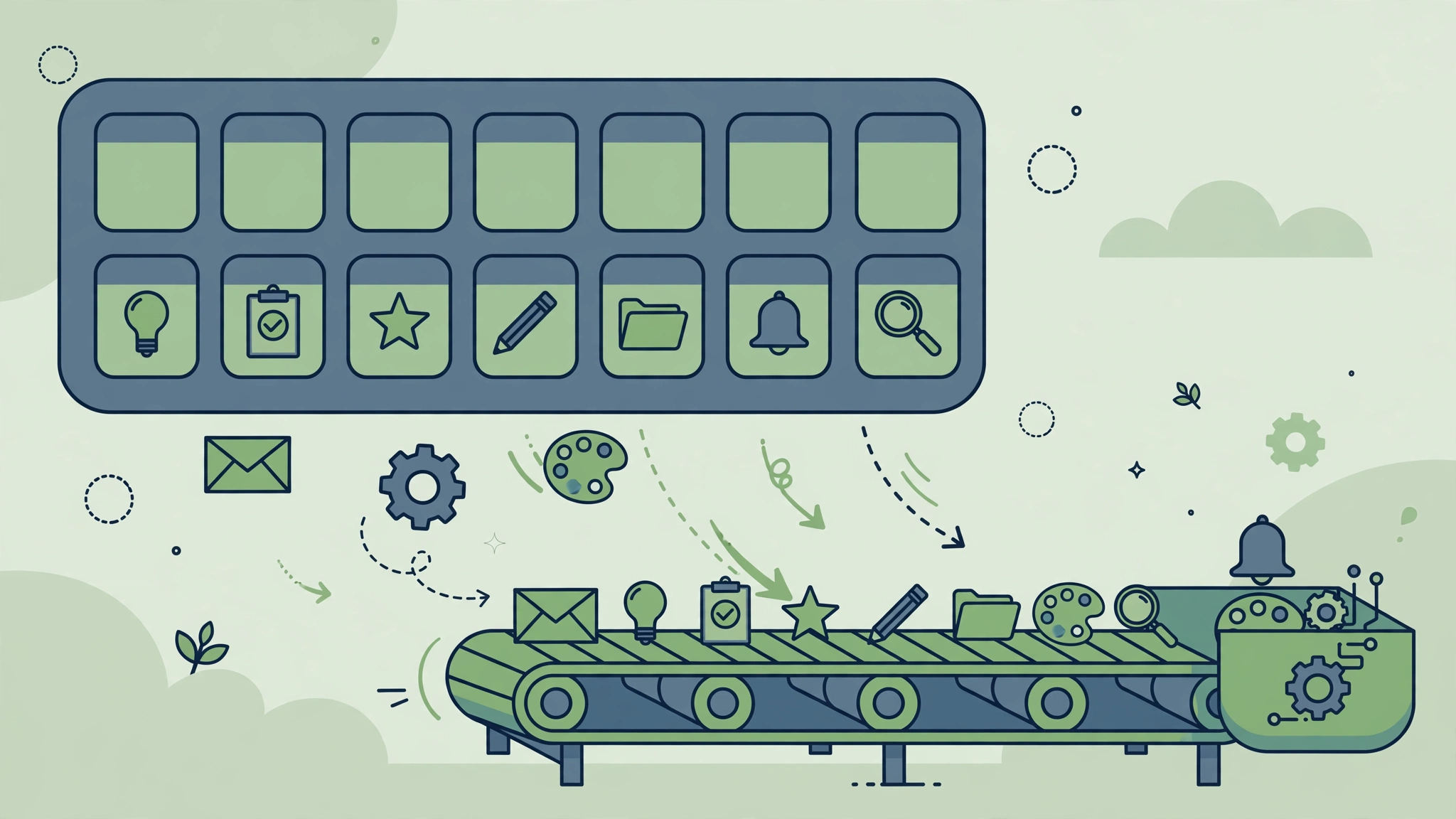
Quick answer: The best tasks to automate are the ones you repeat weekly, that follow fixed rules, and that involve copying information between tools. Data entry, status updates, report gathering, file filing, and routine notifications are the highest-value starting points, and each one takes under an hour to automate.
How to Pick What to Automate First
Score every candidate task on three questions. Do you do it at least weekly? Does it follow the same steps every time? Does it move information between two tools? Three yeses means automate it now. Two yeses means automate it soon. One or zero means leave it manual — the setup time will exceed the savings.
The Ten Tasks
1. Form Entries Into Your CRM or Sheet
Trigger: a new form submission. Action: create or update the contact record. This is the single highest-value automation for most small businesses, because it kills transcription errors and the “I forgot to copy it” problem in one move. See our full guide to automating lead capture.
2. Email Attachments Into Cloud Storage
Trigger: an email arrives with an attachment. Action: save the file to a dated folder in Drive or Dropbox, named by sender and subject. Nobody should ever dig through an inbox looking for “that invoice from March.”
3. Weekly Report Gathering
Trigger: Monday at 8 a.m. Action: pull the week’s numbers from your analytics, sales, and task tools into one document or message. Reports that took an hour of tab-hopping become a message you read over coffee.
4. Status Updates Across Tools
Trigger: a task moves to “Done” in one tool. Action: update the matching card, row, or issue in the other tools. Double-updating the same status in two systems is pure waste, and automation removes it completely.
5. New Customer Onboarding Steps
Trigger: a new customer is created. Action: create their project folder, send the welcome email, assign the onboarding task, and invite them to the right channels. Onboarding has ten small steps; missing one looks careless. Automation misses none.
6. Social and Content Cross-Posting
Trigger: a new blog post is published. Action: draft (not publish) posts for your other channels with the link and title. Keep a human approval step here: fully automatic posting reads robotic and errors go public instantly.
7. Invoice Reminders
Trigger: an invoice passes its due date unpaid. Action: send a polite reminder, then escalate at set intervals. Chasing payments is uncomfortable for humans and trivial for software, and reminders sent on time measurably shorten payment delays.
8. Meeting Notes and Follow-Ups
Trigger: a calendar event ends. Action: create a notes document from a template and a follow-up task for the organizer. The template matters more than the automation: a consistent notes format makes follow-ups findable later.
9. File Naming and Filing
Trigger: a file lands in an uploads folder. Action: rename it by a fixed pattern (date, client, type) and move it to the right folder. Shared drives become searchable instead of archaeological.
10. Daily Team Digest
Trigger: every weekday at 5 p.m. Action: post a summary of completed tasks, new leads, and tomorrow’s deadlines to the team channel. One message replaces five “what’s the status” interruptions the next morning.
Your One-Week Checklist
- Monday: pick your three highest-scoring tasks from the list above.
- Tuesday: build the first automation and test it with real data.
- Wednesday: watch it run once, fix anything wrong.
- Thursday: build the second automation.
- Friday: build the third, then add up the minutes saved per week and multiply by 52.
What Not to Automate Yet
Do not automate tasks that need human judgment (hiring decisions, pricing exceptions), tasks you do less than monthly (the setup cost exceeds the savings), or tasks whose process is still changing weekly (automate after the process settles, or you will rebuild constantly). And never automate sending messages that pretend to be personal — a templated message labeled as automated is honest; a fake personal message is not.
How long does it take to automate one task?
A simple two-step automation takes 15 to 30 minutes including testing. A multi-step workflow with branches takes one to two hours. If a task takes longer to automate than it saves in a year, skip it.
Which tool should I use for these?
Start with the tool you already know or that connects your apps best. Zapier is easiest for simple tasks; Make handles branching better; n8n suits technical teams. Our Zapier vs Make vs n8n comparison walks through the choice.
Will automation make mistakes?
It will make exactly the mistakes its rules describe, at machine speed, which is why testing matters. Test with real sample data, watch the first live runs, and set up failure alerts so a broken automation announces itself instead of failing silently.
Should I automate tasks my team likes doing?
If a task is genuinely enjoyable or builds skill, leave it. Automation is for drudgery: copying, filing, reminding, and re-checking. Automating work people value usually backfires on morale.
How do I prove automation is worth it?
Measure before and after for one task: minutes per occurrence times occurrences per week. A task taking 10 minutes, done 5 times a week, costs over 40 hours a year. That single number usually ends the debate.