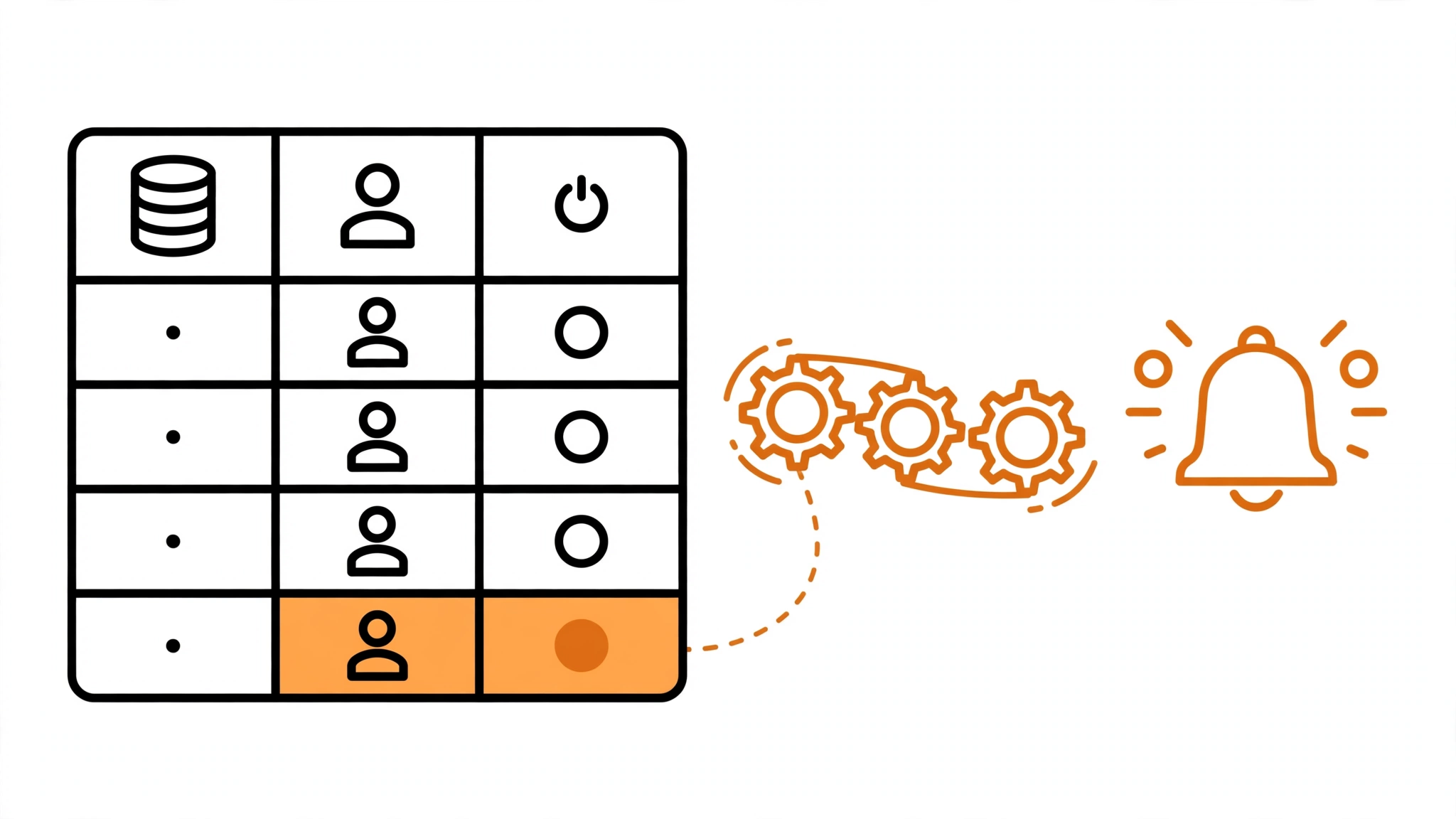
Quick answer: Notion automations are rules inside a database that act when something changes: when a task’s status becomes “Done,” Notion can notify the owner, update another property, or add a page to a different database. Combined with buttons that run multi-step actions, they remove the manual upkeep that makes most Notion workspaces go stale.
What Notion Can and Cannot Automate
Notion is a workspace tool first and an automation tool second, and that distinction matters. Unlike Zapier or Make, Notion automations only act inside Notion. They cannot send an email, post to Slack, or update your CRM on their own. What they do brilliantly is keep a Notion workspace consistent: statuses stay current, owners stay assigned, and related pages stay in sync without anyone remembering to do it.
If you need Notion to talk to outside apps, pair it with an automation tool — Notion’s API connects to Zapier, Make, and n8n. But before adding another tool, use what Notion already offers. Most teams underuse native automations badly.
Database Automations: The Core Feature
A database automation is a rule attached to a database, in the form “when X happens, do Y.” You create them from the database’s automation menu, and every rule has a trigger and one or more actions.
Useful Triggers
- A property changes. When a task’s status changes to “In Progress,” “Done,” or any value you choose.
- A page is added. When a new page enters the database, whether created by hand or by a form.
- A date arrives. When a date property reaches a set time, such as a due date.
Useful Actions
- Notify a person. Send a Notion notification to the page owner or a named teammate.
- Edit properties. Set a status, assign an owner, or stamp the completion date automatically.
- Add a page to another database. Create a linked task, a follow-up, or an archive entry.
- Edit pages in the database. Update matching pages in bulk when a condition is met.
Five Automations Worth Setting Up First
1. Done Means Done
Trigger: task status changes to “Done.” Actions: set the completion date to today and notify the project lead. This one rule replaces the two most-forgotten manual steps in any task system.
2. New Request, Named Owner
Trigger: a page is added to the requests database. Action: assign it to the team lead and notify them. Nothing sits unowned, which is the most common reason requests stall.
3. Overdue Alerts
Trigger: a due date arrives and the status is not “Done.” Action: notify the owner. This replaces the weekly “who is overdue” meeting with a quiet, automatic nudge.
4. Project Completion Cascade
Trigger: a project’s status changes to “Complete.” Actions: mark all its linked tasks complete and add a retrospective page to the reviews database. One change ripples correctly through the workspace.
5. Intake Triage
Trigger: a page is added via a form. Actions: set its status to “Triage,” assign it by category, and notify the right person. Intake forms become a real workflow instead of a pile of unprocessed pages.
Buttons: Automations You Trigger by Hand
Buttons are the other half of Notion automation. A button is a block you click to run several actions at once: create a meeting note from a template, add a set of subtasks, and notify the attendees, all in one click. Buttons are perfect for repeatable rituals — weekly reviews, meeting notes, sprint setup — where you want control over timing but not the repetitive clicking.
A good test for whether something should be a button or an automation: if it should happen every time without thinking, make it an automation. If it should happen on demand, make it a button.
Checklist: Before You Automate a Database
- Every status value used by your rules actually exists in the database.
- Each automation has one clear purpose; combined rules are harder to debug.
- Notifications go to people who will act on them, not to everyone.
- You tested each rule with a sample page before relying on it.
- Someone owns the workspace and reviews automations monthly, because rules written for last quarter’s process quietly become wrong.
Common Problems and Fixes
An automation fires twice. This usually means two rules overlap, such as one rule on status change and another on page edit. Review the automation list and merge overlapping rules.
Notifications nobody reads. If a rule notifies five people, nobody feels responsible. Notify the single owner, and let them escalate.
Rules that fight each other. Two rules editing the same property can loop. Keep a simple map of your automations — trigger, action, database — and check it before adding a new rule.
Automations that stopped working. Notion changes features over time, and a rule built around a renamed property can break silently. The monthly review in the checklist above catches this.
When to Graduate to Zapier, Make, or n8n
Move beyond native Notion automations when you need any of these: messages outside Notion (email, Slack), syncing with a CRM or billing tool, scheduled reports, or logic Notion’s rules cannot express. At that point, treat Notion as one app in a larger workflow — see our guide to Zapier for beginners for the concepts, which transfer directly.
Are Notion automations available on the free plan?
Notion’s automation features depend on the plan, and availability has expanded over time. Check Notion’s current pricing page for your plan before building a system around automations, and test with one database first.
Can Notion automations send emails?
No, not natively. Native automations act inside Notion only. To send an email, connect Notion to an automation tool such as Zapier, Make, or n8n, which can watch a Notion database and send mail when a page changes.
What is the difference between an automation and a button?
An automation runs by itself when its trigger happens. A button runs only when someone clicks it. Use automations for things that must always happen, and buttons for repeatable multi-step jobs you want to start deliberately.
Can automations edit pages in other databases?
Yes. An automation can add pages to another database and edit properties on linked pages, which is how you build cascades such as completing a project and closing its tasks automatically.
Do automations work on pages created by forms?
Yes. A page added through a Notion form triggers the same “page added” rules as a manually created page, which makes forms plus automations a complete intake system.