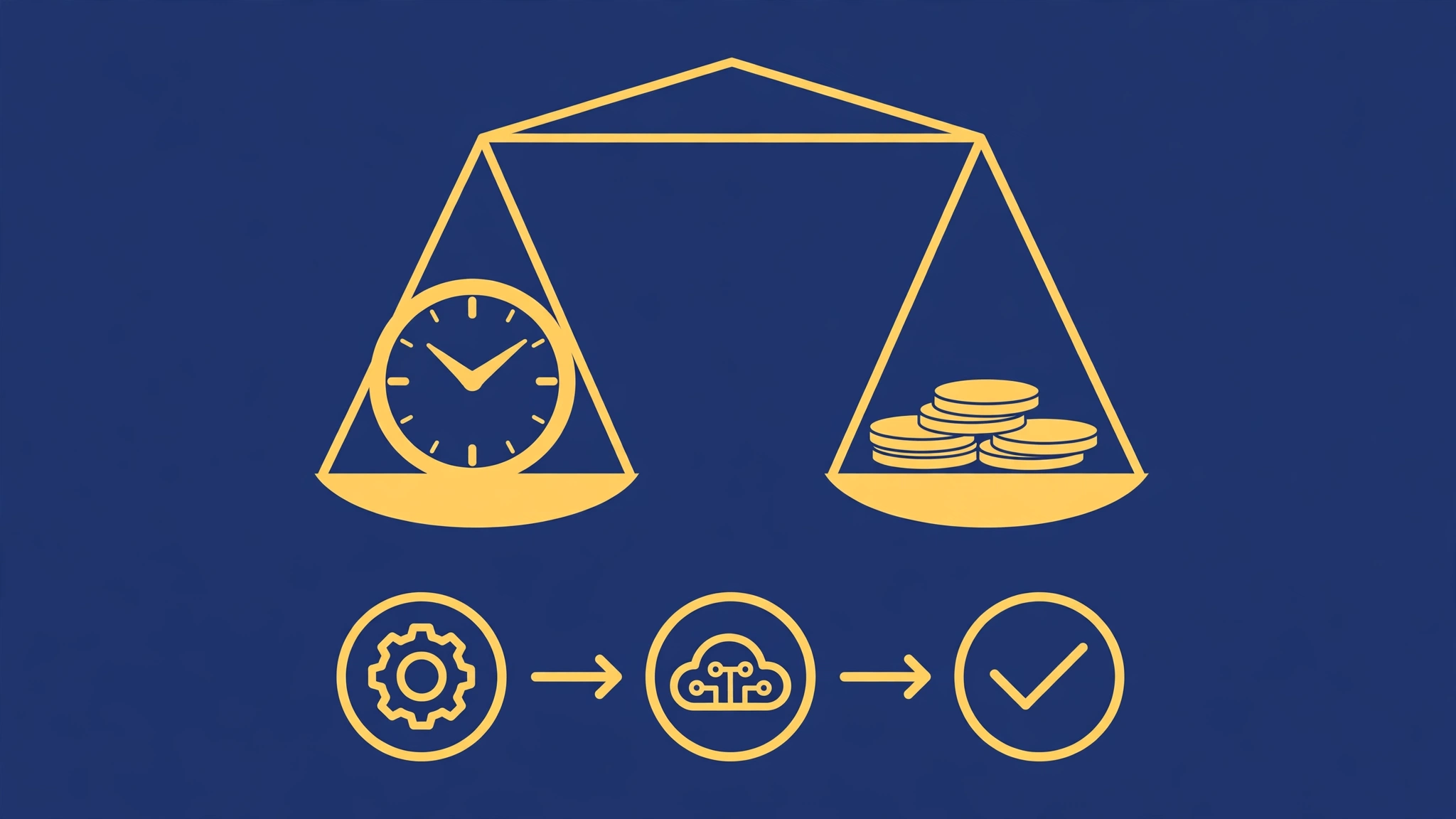
Quick answer: Zapier is worth it when the time it saves costs more than the plan, which is true for most teams running even a handful of daily automations. It is not worth it when your workflows are high-volume and simple, because per-task pricing adds up fast — in that case Make or self-hosted n8n usually costs less.
The Real Cost of Doing Things by Hand
Before comparing plans, price the alternative: manual work. A team member spending 30 minutes a day copying data between tools burns about 10 hours a month. At any reasonable hourly cost, that is far more than a starter automation plan. The honest question is never “is Zapier expensive” but “is it more expensive than the manual work it replaces.” For almost any recurring task, it is not.
How Zapier Pricing Actually Works
Zapier charges by tasks: every successful action step in a Zap counts as one task. A Zap with three actions that runs 100 times uses 300 tasks. Triggers themselves do not count, but every action does, including filters and lookups that count as steps in multi-step Zaps. This is the detail that surprises people: a five-step Zap running daily costs five times what a one-step Zap costs.
Plans scale by monthly task allowance, with a free tier for learning and very light use. Paid tiers add multi-step Zaps, faster update intervals (how often Zapier checks for new trigger data), premium app access, and support. Pricing changes periodically, so check Zapier’s current pricing page for exact numbers before deciding.
The Free Plan: What It Can and Cannot Do
The free plan is genuinely useful for evaluation: it covers simple Zaps with limited tasks per month. It is enough to automate one or two small workflows, such as saving form entries to a sheet. It is not enough to run a business on: multi-step Zaps and higher volumes need a paid plan, and the free plan’s slower update interval means trigger data can take minutes to flow through.
Three Scenarios, Three Answers
Scenario A: Solo Freelancer, Two Simple Zaps
A freelancer automating lead capture and invoice reminders runs perhaps 200 tasks a month. The free plan may cover it entirely, or the lowest paid tier does comfortably. Verdict: clearly worth it; the cost is trivial against even one saved hour.
Scenario B: Small Team, Ten Workflows, Moderate Volume
A five-person team with onboarding, lead routing, reporting, and notification Zaps might run 3,000 to 10,000 tasks a month. This is Zapier’s sweet spot: the plan costs less than a few hours of anyone’s time, and the reliability and app library justify the price over cheaper tools. Verdict: worth it, and worth auditing quarterly.
Scenario C: High Volume, Simple Workflows
A business syncing thousands of orders, rows, or events daily can burn 50,000+ tasks a month, and Zapier’s bill climbs steeply. The workflows are simple, so the premium is paying for convenience, not capability. Verdict: usually not worth it — Make’s per-operation pricing or self-hosted n8n will cost a fraction for the same result.
The Hidden Costs Nobody Mentions
Task creep. Teams add steps to Zaps over time, and each step costs tasks. Audit Zaps quarterly and remove steps that no longer earn their keep.
Polling delays. Lower tiers check triggers less often. If a workflow needs instant response — a lead answered in seconds, not fifteen minutes — you may need a higher tier or a webhook-based trigger.
Rebuilding cost. If you outgrow Zapier and switch tools, rebuilding takes time. Keep a one-page document per workflow (trigger, steps, conditions) so a future migration is a copy job, not archaeology.
The “just one more Zap” effect. Automation is addictive. A quarterly review — which Zaps ran, what they cost, what they saved — keeps the habit profitable.
When to Choose Something Else
Choose Make when your workflows branch and your volume is moderate: its pricing per operation usually undercuts Zapier there. Choose self-hosted n8n when volume is high and you have technical help: the cost becomes a small server bill regardless of volume. Choose Zapier when simplicity, app coverage, and reliability matter more than shaving the bill — which, for most small teams, is the right trade.
A Simple Worth-It Test
Add up last month’s tasks, multiply by the plan’s per-task cost, and compare with the hours saved (occurrences times minutes per manual run, converted at a fair hourly rate). If the saved time is worth at least three times the plan cost, keep Zapier without guilt. If the ratio is below that, audit your Zaps or test an alternative with the same workflow for a month.
Does Zapier charge for failed runs?
Failed tasks generally do not count the same way successful ones do, but the exact treatment depends on the plan and the type of failure. Check Zapier’s current billing documentation for the precise rule, and set up failure alerts so broken Zaps are fixed before they waste runs.
Can I stay on the free plan forever?
Yes, if your usage stays within its limits. Many solo users do. The moment you need multi-step Zaps or higher volume, a paid plan becomes necessary, and that is the natural upgrade point.
Is Zapier cheaper than hiring someone to do the manual work?
Almost always, by a wide margin. Even a part-time hire costs many times a starter plan, and unlike a person, an automation works nights and weekends without errors from tiredness. The comparison that matters is automation versus manual work, not automation versus nothing.
How do I reduce my Zapier task usage?
Shorten Zaps by removing unnecessary steps, use filters early so unwanted runs stop before expensive actions, and batch operations where the app supports it. A quarterly audit typically finds 10 to 20 percent of tasks that no longer need to run.
What happens if I exceed my task limit?
Zapier typically pauses Zaps or prompts an upgrade when the allowance is exhausted, depending on the plan. Set usage alerts at 80 percent so a limit never surprises you mid-month.