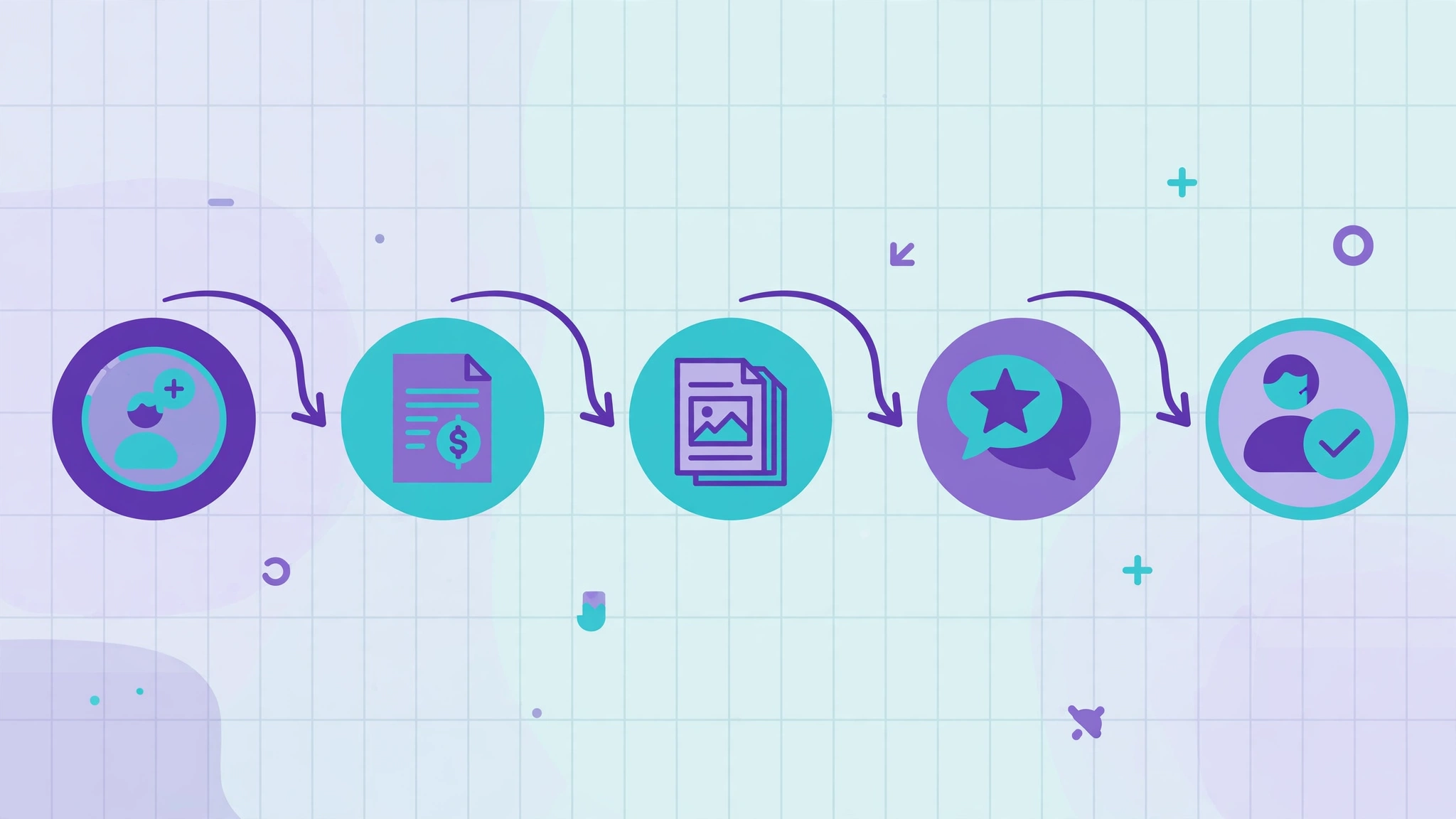
Quick answer: The five Make.com scenarios worth running first are lead routing to your CRM, automatic invoice reminders, content repurposing across channels, review requests after a sale, and new-client onboarding. Each one replaces a weekly chore with a scenario that runs itself, and together they save a small team several hours every week.
Why Make for These Scenarios
Make’s visual canvas shows data flowing between modules, which makes branching logic — different actions for different kinds of leads, customers, or orders — much easier to follow than a long list of steps. These five scenarios all use branching, which is exactly where Make earns its keep over simpler tools. If you are new to Make, read our Zapier vs Make vs n8n comparison first to confirm it fits your team.
Scenario 1: Lead Routing to the CRM
What it does. A new form submission is checked against the CRM, routed to the right salesperson by region or product interest, and announced in the team channel.
How it flows. Form submission → search CRM for the email → if found, update the record; if not, create it → router sends the lead to the owner by rule → notification posts to Slack with the lead’s details and CRM link.
Why it matters. Leads stop waiting in inboxes and stop getting duplicated. Response times drop from hours to minutes, which is where deals are actually won.
Scenario 2: Invoice Reminders That Send Themselves
What it does. Every morning, the scenario checks for invoices past due and sends a polite reminder, escalating the tone at set intervals.
How it flows. Scheduled trigger each morning → list invoices from your accounting tool → filter to unpaid and past due → router by days overdue: gentle reminder under 7 days, firmer reminder at 14, personal follow-up task at 30 → send the matching email and log the reminder.
Why it matters. Chasing payments is the chore every small business postpones, and postponement is expensive. Automated reminders go out on time, every time, without anyone dreading the task.
Scenario 3: Content Repurposing Pipeline
What it does. When a blog post is published, the scenario drafts adapted versions for your other channels and queues them for human approval.
How it flows. New post published → extract title, link, and summary → create draft posts for each channel, trimmed to fit → notify the content owner to review and approve.
Why it matters. One piece of content becomes five touchpoints without five rounds of manual copying. The human approval step is deliberate: fully automatic publishing sends errors public instantly, while drafts keep quality control.
Scenario 4: Review Requests After a Sale
What it does. A few days after a completed order, the scenario sends a review request to happy customers — and routes unhappy ones to support first.
How it flows. Order marked complete → wait three days → check for any support tickets from that customer → if none, send a review request with direct links → if tickets exist, create a support follow-up instead of asking for a review.
Why it matters. Reviews compound: they bring the next customers and improve search visibility. But asking an unhappy customer for a public review is a self-inflicted wound, and this scenario’s branch avoids it automatically.
Scenario 5: New-Client Onboarding Sequence
What it does. A new client triggers the full onboarding checklist: folders, documents, welcome email, tasks, and channel invites.
How it flows. New client record created → create project folder and welcome document from templates → send the welcome email with next steps → create onboarding tasks assigned to the team → invite the client to the shared channel.
Why it matters. Onboarding has ten small steps, and missing one looks careless to a brand-new client. Automation misses none, and the team starts every relationship looking organized.
Building Your First Scenario: Practical Tips
Start with scenario 1, because lead routing has the clearest payoff and the simplest logic. Build it with a test lead first, watch every module’s output, and only then connect it to live data. Use Make’s built-in error handlers on any module that touches money or customer records, so a failure pauses the scenario and alerts you instead of corrupting data. And document each scenario in one page — trigger, modules, branches, owner — because a scenario nobody understands is a scenario nobody can fix.
What These Five Save
A small team running all five typically saves several hours a week: lead handling that took an hour a day, invoice chasing that took an hour a week, content copying that took two hours a week, review outreach that never happened, and onboarding that took an hour per client. The time is only half the value; the other half is consistency — nothing forgotten, nothing duplicated, no client wondering why nobody replied.
Do I need the paid Make plan for these scenarios?
The free tier covers light use and testing. All five scenarios running at real business volume will usually need a paid plan, because operations add up across modules. Measure a month of real usage before choosing a tier.
Can these scenarios run in Zapier or n8n instead?
Yes — the logic is tool-independent. Make’s advantage here is the visual canvas for branching, which makes scenarios 2 and 4 easier to read and maintain. If your team already knows another tool, build there instead of switching.
What happens if a scenario fails halfway through?
Make logs each run and shows exactly which module failed. Use error handlers on critical modules so failures alert you and pause gracefully, rather than half-completing a customer-facing sequence like onboarding.
How do I avoid sending duplicate emails?
Use the same “find or create” discipline as any automation: check whether the record, reminder, or request already exists before creating a new one, and add a filter so the scenario only acts on records that match its criteria exactly.
Should review requests be fully automated?
The request itself can be automated, but the decision of who gets asked should not be blind. Scenario 4’s support-ticket branch is the minimum safeguard: never ask for a public review from a customer with an open complaint.