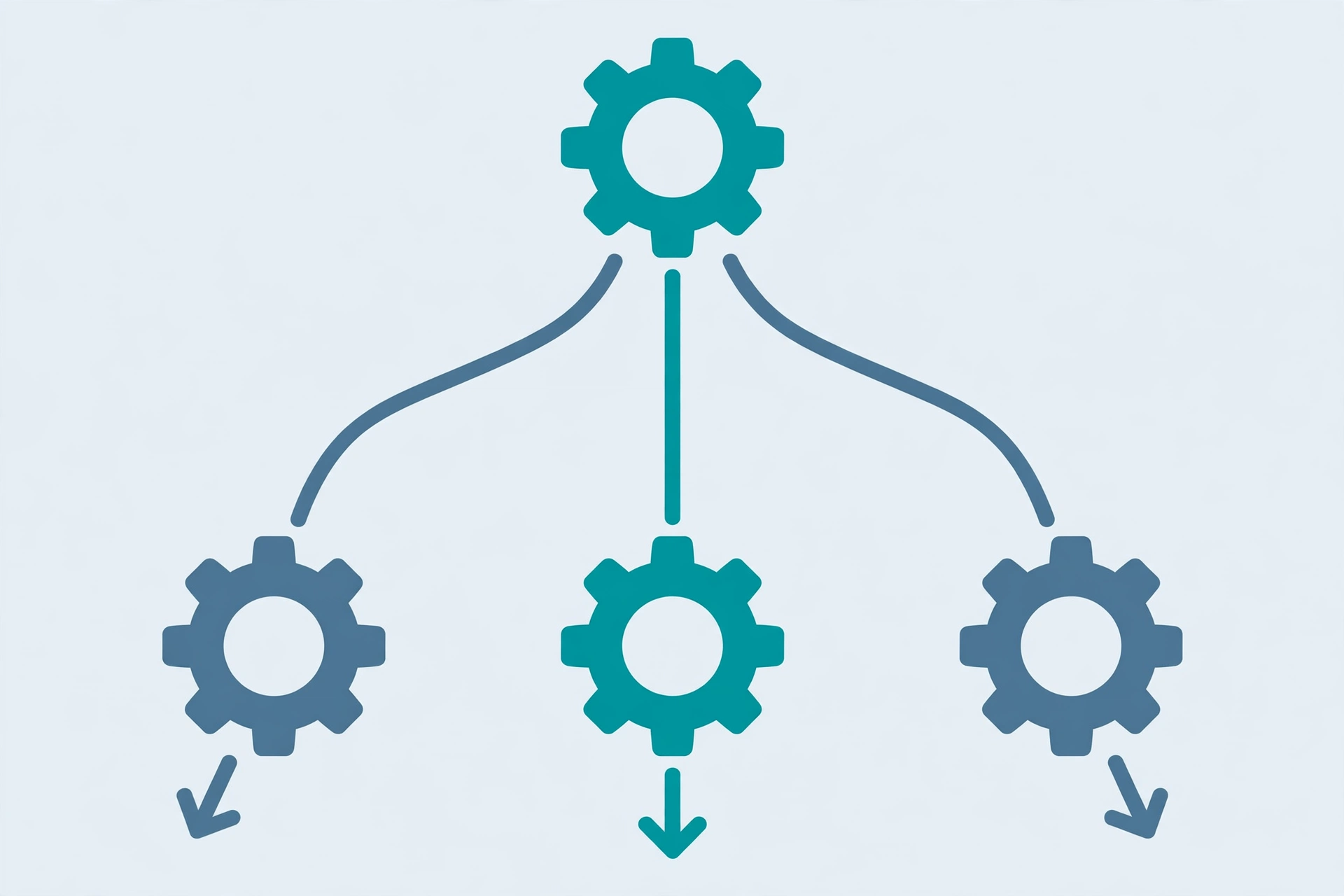
Quick answer: Zapier Filters check a condition and stop a Zap when it is not met, while Paths split one Zap into up to five different routes based on rules you set. Use a Filter when a Zap should only run sometimes, and use Paths when the same trigger should lead to different actions for different cases — for example, routing new leads to different team members by region. Both tools replace piles of duplicate Zaps with one clean automation.
When you first build a Zap, it runs the same way every time: trigger, then actions. Real work is rarely that uniform. Sometimes an automation should only run for certain records, and sometimes the same trigger should lead to completely different outcomes. That is where Filters and Paths come in, and they are the two features that turn basic Zaps into genuinely useful systems.
What Filters Do
A Filter is a checkpoint inside a Zap. You set a condition — for example, “only continue if the deal value is greater than 500” or “only continue if the form answer is Yes” — and the Zap stops quietly when the condition is not met. Filtered-out runs do not count as errors; they simply end.
Filters are ideal when a Zap should run only sometimes. Common uses include: only creating a task when a form marks a request as urgent, only sending a notification when a payment succeeds rather than fails, or only adding a row to a sheet when a field is not empty. One Filter can check several conditions at once, and you can choose whether all or any of them must be true.
What Paths Do
Paths split a Zap into branches. After the trigger, the Zap checks your rules in order and follows the first matching path — up to five paths on most paid plans, each with its own actions. If no path matches, an optional fallback path can catch the rest.
A classic example: a new lead form submission. Path A routes leads from one region to one salesperson’s task list, Path B routes another region elsewhere, and the fallback sends everything else to a general inbox. Without Paths, you would need three separate Zaps doing nearly the same thing. With Paths, one Zap handles all cases, and changes to the trigger only need editing in one place.
Filters vs Paths: Which One Do You Need?
Use a Filter when the question is “should this Zap run at all?” Use Paths when the question is “which of several things should happen?” They also combine well: a Filter early in a Zap can screen out irrelevant records before Paths route the rest. As a rule, if you find yourself copying a Zap and changing only one action, that is a sign Paths could replace the copies.
Common Mistakes to Avoid
First, forgetting the fallback path — unmatched records then vanish silently, so always add one or accept that some records will do nothing. Second, overlapping rules: Paths are checked in order and only the first match runs, so put your most specific rule first. Third, overcomplicating: if a Zap grows past a few branches, it may be clearer as two simpler Zaps. Finally, test with real examples for each branch, not just the happy path — a branch you never test is a branch that will fail quietly. If you are new to Zapier overall, start with our Zapier for beginners guide before adding branches.
A Simple Way to Plan a Branching Zap
Before building, write down the trigger, then list the cases: “If X, do this; if Y, do that; otherwise, do this.” That list maps directly onto Filters and Paths. Keep each branch short and name your steps clearly, so future you — or a teammate — can understand the Zap months later without guessing.
Frequently Asked Questions
What is the difference between Zapier Filters and Paths?
A Filter stops a Zap when a condition is not met. Paths split a Zap into different routes, each with its own actions, based on rules. Filters answer “should this run?”; Paths answer “which outcome should happen?”
How many Paths can a Zap have?
Most paid Zapier plans allow up to five Paths per Zap, plus an optional fallback path for records that match no rule. Free plans do not include Paths.
Do filtered Zaps count as errors?
No. When a Filter stops a Zap, the run ends normally and is recorded as filtered, not as an error. This is expected behavior, not a failure.
Should I use Paths or just make multiple Zaps?
Use Paths when several Zaps would share the same trigger and differ only in later steps — one Zap is easier to maintain. Use separate Zaps when the triggers or overall purposes are genuinely different.